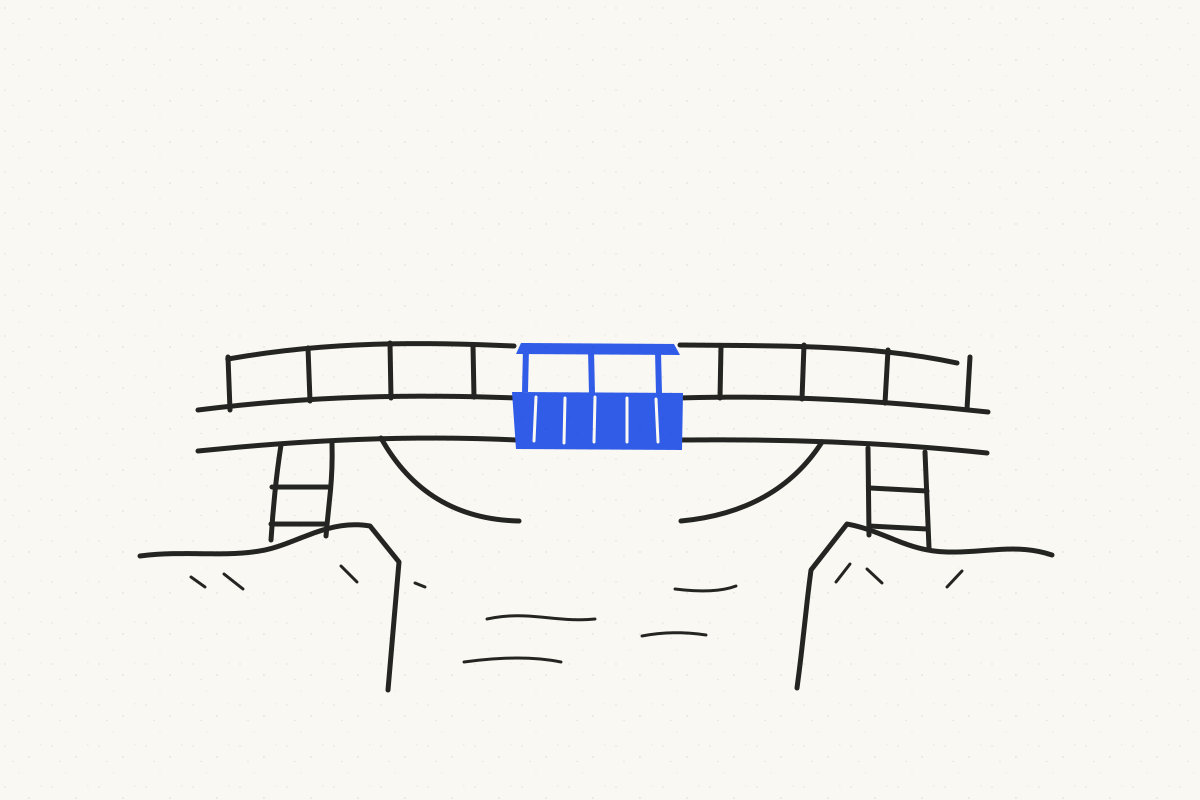
Cover style Draft · v0.1
Ink and Accent
Open pen contours on pale paper, with one purposeful patch of cobalt. Quiet scenes that let the metaphor do the talking.
Visual character
Sparse editorial pen drawing on clean pale paper. Confident imperfect contours describe an object or small scene. A single flat color patch highlights the idea.
Invariants
- Dark contour lines with modest natural variation.
- Open interiors and very limited hatching.
- One visual metaphor with no more than three principal elements.
- Accent color has a semantic role, such as the missing piece or selected path.
- Flat drawing without rendered lighting or realistic volume.
Palette
Default: pale paper #FAF8F2, ink #242522, and cobalt #315CE8. A supplied brand accent may replace cobalt; preserve strong ink/background contrast and one accent family.
Composition and format
Use one readable scene surrounded by substantial empty space. Favor contours that remain clear in a small preview. Default to wide 16:9, with square composition available by rearranging the scene. Simplify before shrinking.
Text
No embedded lettering by default. If the article needs a title, leave a quiet region and pass the exact headline to the later typesetting step.
Subject adaptation
Translate the selected concept into familiar objects and a simple relationship. Preserve line character, open interiors, and color restraint. Do not add generic lightbulbs or robots unless they express the chosen concept.
Avoid
Heavy crosshatching, crowded diagrams, gradient fills, photorealistic shading, many colored objects, tiny annotations, and ornamental borders.
Agent procedure
Reduce the concept to one scene; identify the detail that should receive the accent; apply format and title-space preferences; export the brief with the draft label.
Prompt skeleton
Draw [concept] as a sparse editorial ink illustration. Show [main objects and relationship] with confident slightly imperfect dark contours, open interiors, and minimal hatching on [background]. Use one flat [accent] patch on [meaningful detail]. Compose for [format], keeping [headline region] clear if needed. No lettering, gradients, or rendered 3D shading.
Review
The metaphor reads without labels; linework is consistent; the accent serves the concept; detail survives thumbnail viewing; empty space is useful.
Cover concepts
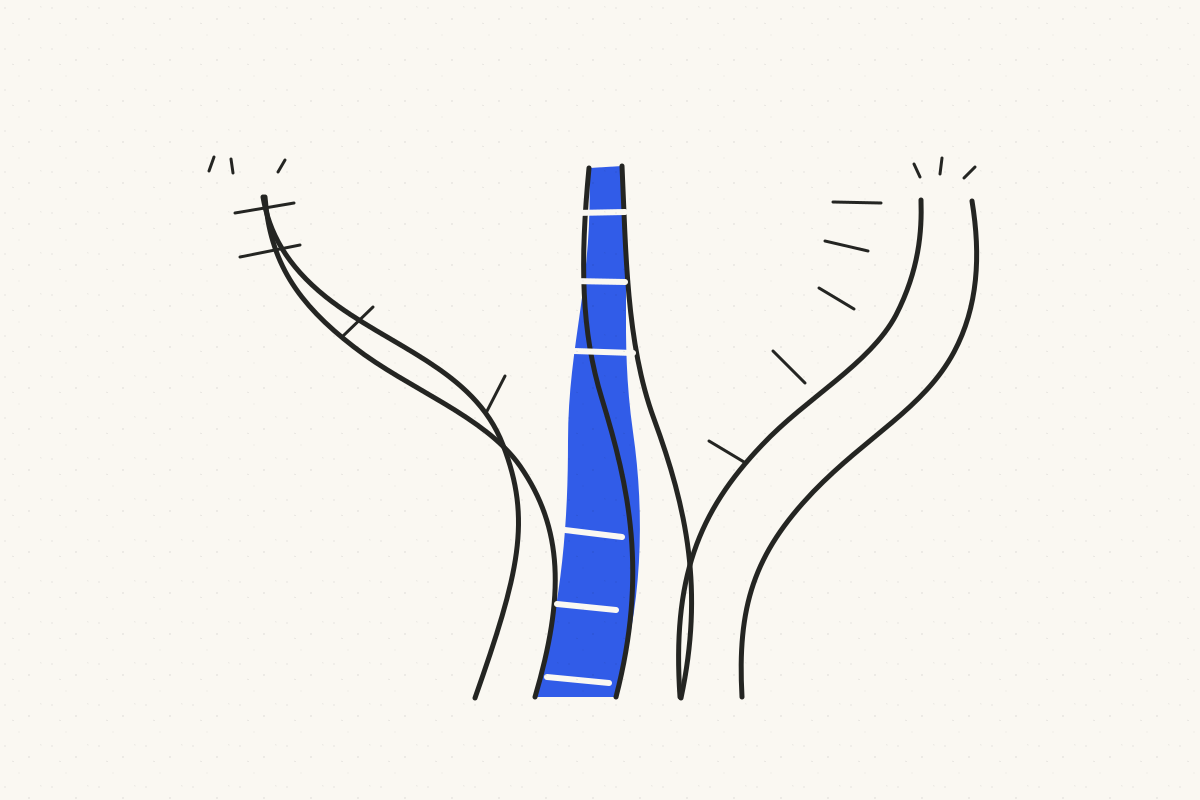 Style guide Style guide
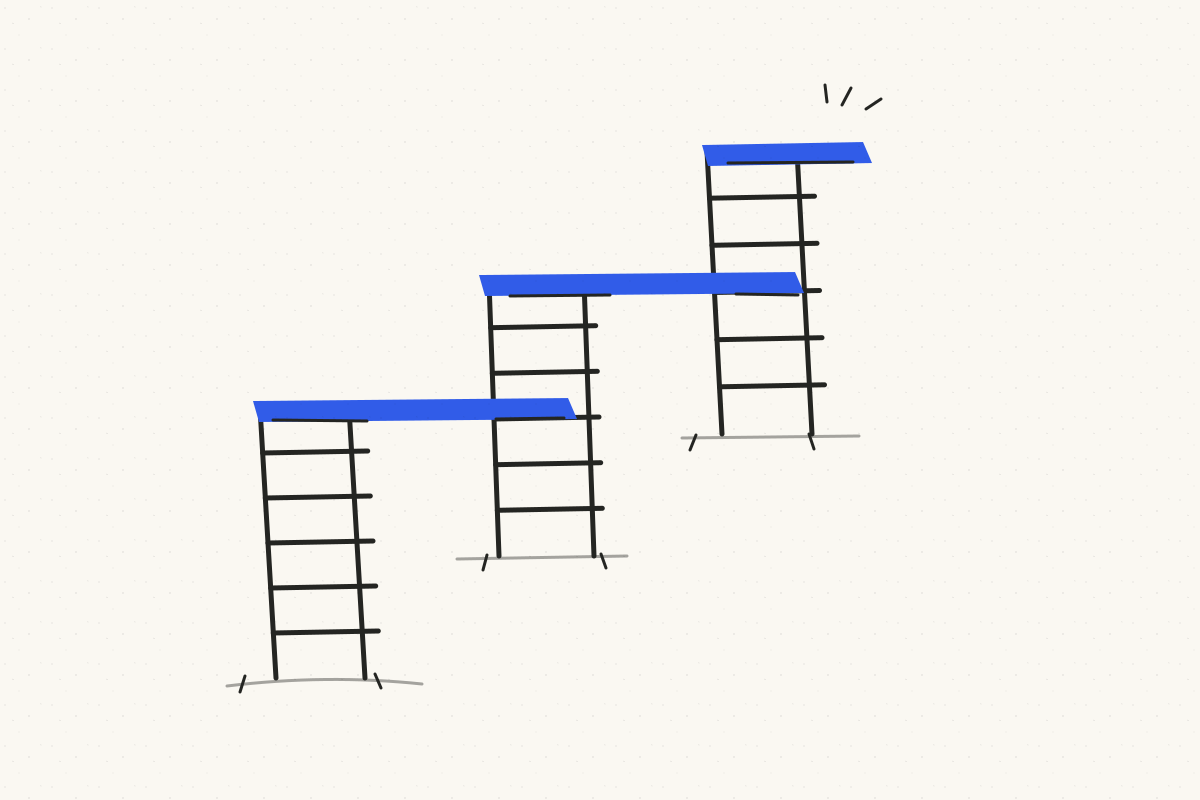 Style guide
These original illustrations explore the art direction. Image-model fidelity has not been validated.
Portable art direction v0.1
A style your AI can read.
The complete rules, prompt skeleton, and review checklist. Copy the guide into your conversation or add the file to your agent's context.
# Ink and Accent

- ID: ink-and-accent
- Version: 0.1
- Status: draft — no generation validation yet
- Provenance: original proposed art direction
- Evidence: [test plan](EXAMPLES.md)

## Visual character

Sparse editorial pen drawing on clean pale paper. Confident imperfect contours describe an object or small scene. A single flat color patch highlights the idea.

## Invariants

- Dark contour lines with modest natural variation.
- Open interiors and very limited hatching.
- One visual metaphor with no more than three principal elements.
- Accent color has a semantic role, such as the missing piece or selected path.
- Flat drawing without rendered lighting or realistic volume.

## Palette

Default: pale paper #FAF8F2, ink #242522, and cobalt #315CE8. A supplied brand accent may replace cobalt; preserve strong ink/background contrast and one accent family.

## Composition and format

Use one readable scene surrounded by substantial empty space. Favor contours that remain clear in a small preview. Default to wide 16:9, with square composition available by rearranging the scene. Simplify before shrinking.

## Text

No embedded lettering by default. If the article needs a title, leave a quiet region and pass the exact headline to the later typesetting step.

## Subject adaptation

Translate the selected concept into familiar objects and a simple relationship. Preserve line character, open interiors, and color restraint. Do not add generic lightbulbs or robots unless they express the chosen concept.

## Avoid

Heavy crosshatching, crowded diagrams, gradient fills, photorealistic shading, many colored objects, tiny annotations, and ornamental borders.

## Agent procedure

Reduce the concept to one scene; identify the detail that should receive the accent; apply format and title-space preferences; export the brief with the draft label.

## Prompt skeleton

Draw [concept] as a sparse editorial ink illustration. Show [main objects and relationship] with confident slightly imperfect dark contours, open interiors, and minimal hatching on [background]. Use one flat [accent] patch on [meaningful detail]. Compose for [format], keeping [headline region] clear if needed. No lettering, gradients, or rendered 3D shading.

## Review

The metaphor reads without labels; linework is consistent; the accent serves the concept; detail survives thumbnail viewing; empty space is useful.
Bring your own article
Make this style yours.
Add a little context. We'll assemble a cover brief with your article, chosen format, and the complete Ink and Accent guide.
Download the DESIGN.md above, then give it to your image tool with your article summary, a visual concept, and the cover format you need.
Your cover prompt